

TrainPoint Institute News
Advanced Excel Training for Employees: Build Practical Data Skills for the Workplace
Help your employees master advanced Excel formulas, macros, dashboards, and data analysis. Explore practical corporate Excel training designed around workplace requirements.
TrainPoint Institute · November 18, 2026 · 3 min read
Tags: advanced excel training
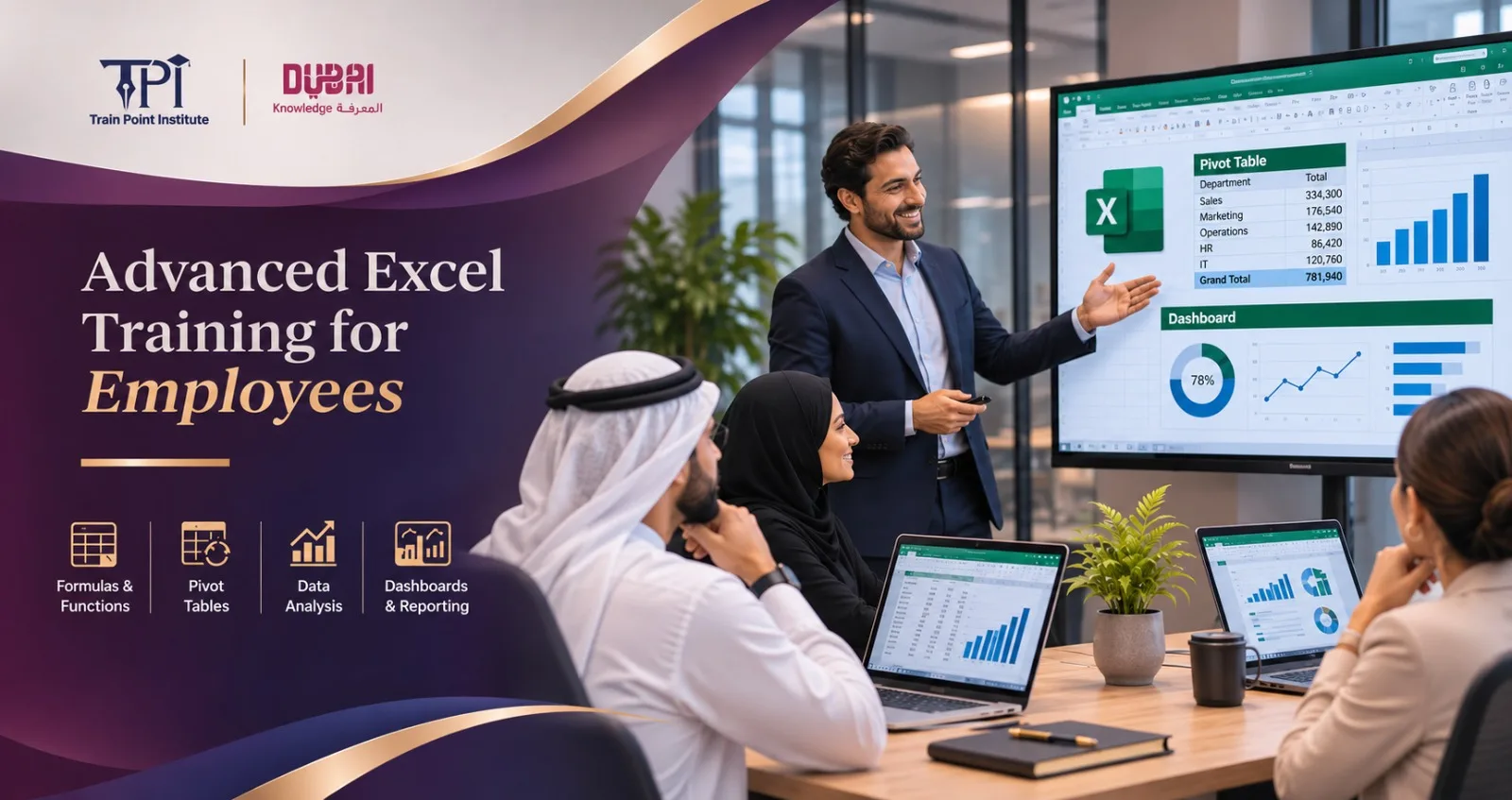
Corporate Excel Training for Employees
Businesses use data to make decisions, monitor performance, and run day-to-day operations. Basic knowledge of Excel formulae is not always enough. People working with large volumes of data, financials, sales, and the like need a much higher level of Excel skill to do their job with less manual intervention.
Advanced Excel training moves people beyond spreadsheet basics to the point where they can analyze data, automate the mundane, and create reports that support business decisions.
For companies in the UAE, investing in Excel skills for your staff can improve reporting accuracy, save working hours, and help departments manage information more effectively. It makes a real difference, whatever the function of the department, whether that be finance, HR, sales, admin, or operations.
Why do employees need advanced Excel skills?
People spend hours updating spreadsheets, checking figures, and putting together monthly reports. It becomes a real pain when you are dealing with a large volume of data.
Advanced Excel offers practical tools to help. Employees can use PivotTables, advanced formulas, conditional formatting, and data validation to manage the information more efficiently.
Here are common workplaces where advanced Excel skills are required:
Finance: Prepare budgets, financial reports, and expense analysis.
HR: Maintain employee records, attendance, payroll, and workforce reporting.
Sales: Monitor sales targets, sales performance, and customer information.
Administration: Keep records organized and automate spreadsheet tasks.
Operations: Analyze business performance and produce management reports.
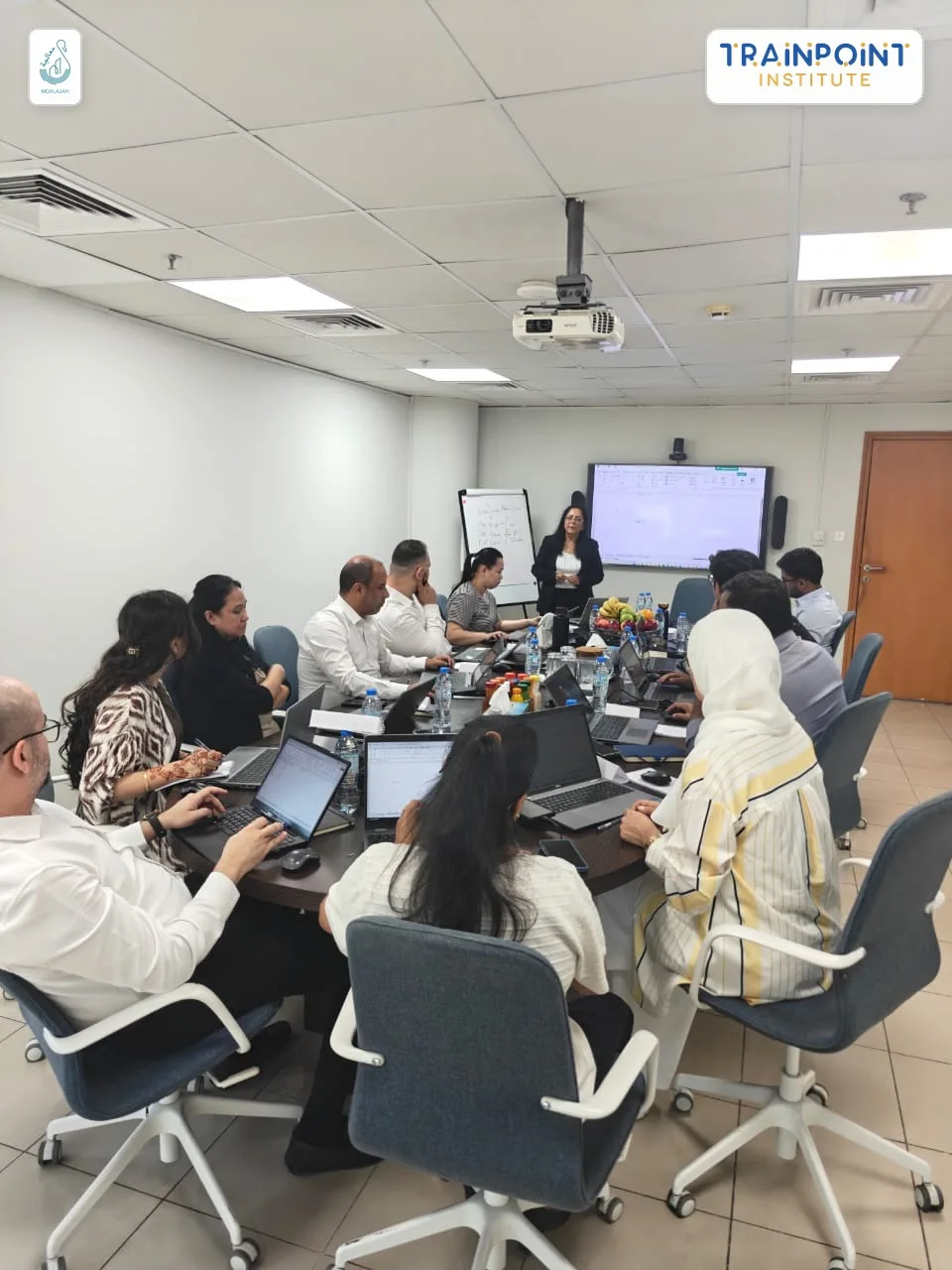 Get a Quote for Corporate Training
What does an Advanced Excel course cover?
A practical advanced Excel course in Dubai focuses on applying Excel in the workplace, not theory. It would emphasize using various Excel tools to solve real business problems.
Training Module | What Employees Learn | Workplace Application |
Advanced Excel Formulas | XLOOKUP, INDEX, MATCH, SUMIFS, and IFERROR | Data analysis and calculations |
PivotTables and Pivot Charts | Summarising and analyzing large datasets | Monthly management reports |
Excel Dashboards | Interactive charts, KPIs and visual reports | Performance monitoring |
Data Cleaning | Remove duplicates, organize and validate data | Accurate business records |
Excel Macros | Record and run macros to automate tasks | Repetitive report preparation |
Conditional Formatting | Highlight trends, exceptions, and key figures | Performance tracking |
What-If Analysis | Goal Seek and Scenario Manager | Budgeting and forecasting |
How Excel Macros and Dashboards Improve Productivity
Two important areas of advanced Excel are macros and dashboards.
Excel Macros Training
Excel macros help staff automate repetitive tasks. So, if an employee produces the same monthly report every month, you can record a macro to format the tables, apply formulas, and tidy up the information.
For more sophisticated automation, you can have your staff learn VBA (Visual Basic for Applications) to tailor Excel processes.
Excel Dashboards Training
Dashboards take large amounts of information and turn it into clear visual reports. Employees can use Pivot Charts, slicers, charts, and KPIs to present business performance in an easy-to-understand format.
Managers can view sales figures, departmental performance, budgets, and operational results in one place without wading through multiple spreadsheets.
Why choose Advanced Excel Training for corporate teams?
Individual learning helps, but companywide training helps departments adopt a consistent reporting approach.
Advanced Excel training for corporate teams can be tailored to your company's specific reporting needs, your employees' skill levels, and your business objectives.
A corporate program can include:
Practical exercises using workplace examples.
Training based on departmental requirements.
Automation of repetitive spreadsheet tasks.
Dashboard creation for management reporting.
Group training via on-site, online, or a hybrid model.
For organizations in the UAE, bespoke employee training can help close the Excel skills gap across finance, HR, sales, and admin teams.
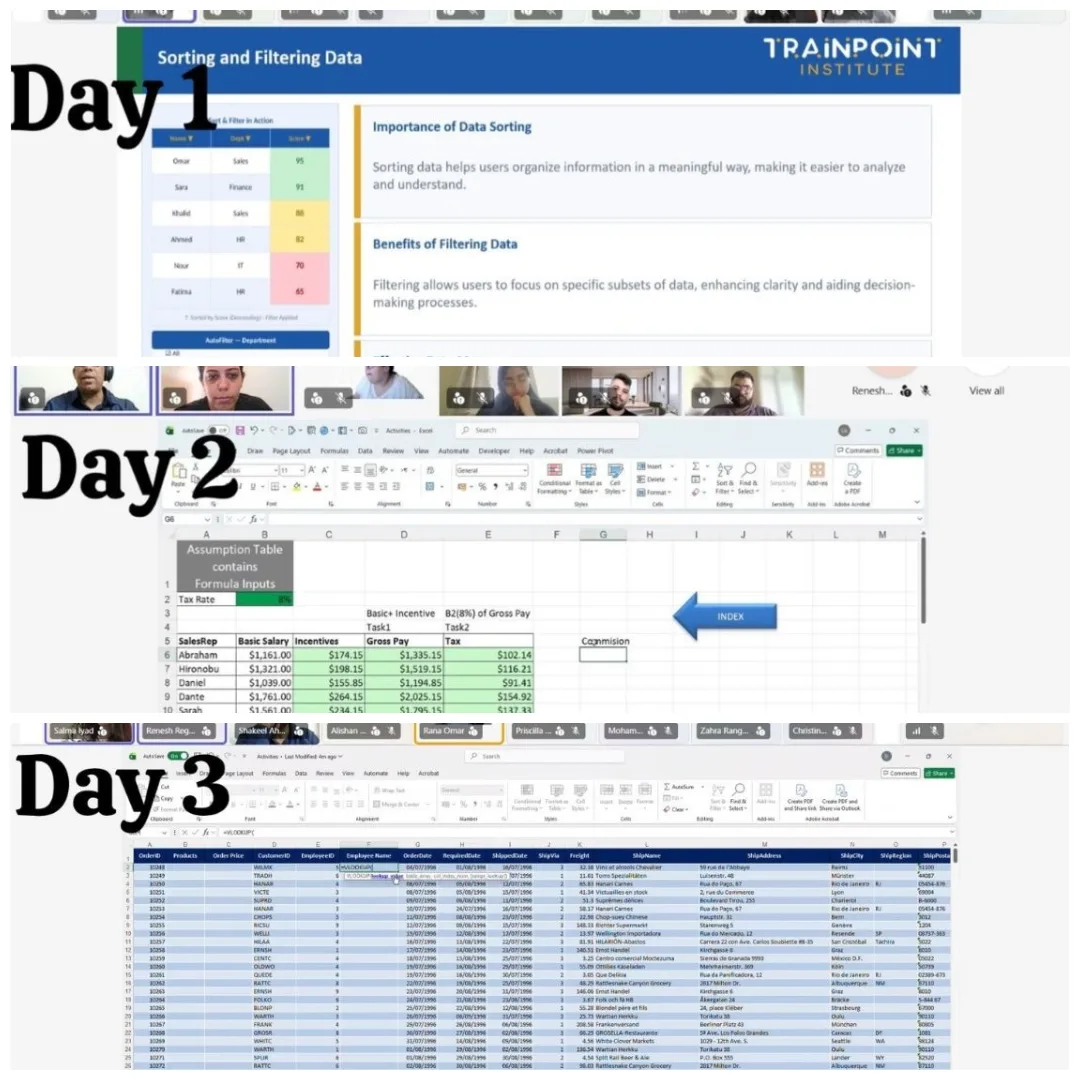 Enquire Now
Who should attend the Advanced Excel Training?
This is for people who already have a working knowledge of Excel and wish to take their data handling and reporting skills to the next level.
It is particularly useful for:
Accountants and finance executives.
HR professionals and payroll administrators.
Business Analysts and Reporting Executives.
Sales and marketing teams.
Operations and administrative staff.
Supervisors and department managers.
Employees should have basic Excel knowledge before attending an advanced-level program.
FAQs
Q1. What is the Advanced Excel Training for staff?
Advanced Excel Training for employees is a practical skills program that teaches people how to use advanced formulae, PivotTables, macros, dashboards, and data analysis tools. The aim is to enable employees to work with large data sets, automate processes, and produce accurate business reports.
Q2. What's the difference between basic and advanced Excel?
Basic Excel covers spreadsheet formatting, simple calculations, and basic formulae. Advanced Excel covers complex formulae, PivotTables, data analysis, macros, dashboards, and automation.
Q3. Does an advanced Excel course cover macros and dashboards?
Yes, the program can be as comprehensive as you like. Depending on the program, you can include Excel macros, VBA basics, interactive dashboards, Pivot Charts, slicers, and KPI reporting.
Q4. How long does advanced Excel training take?
The course length depends on the syllabus, the employee's experience, and the training objectives. Corporate Excel training programs can be delivered as intensive workshops or as a series of sessions over two to three days.
Q5. Can companies arrange for customized advanced Excel training in Dubai?
Yes, companies can arrange bespoke corporate training based on their staff roles and reporting structures. They can deliver it on-site, online, or through a blended model.
Q6. Who should attend an Advanced Excel course?
Finance professionals, HR executives, accountants, business analysts, sales teams, administrators, and managers who continually work with spreadsheets can benefit from advanced Excel training.
Improve Your Team's Excel Skills with Train Point Institute
Give your employees the practical skills to manage data, automate reports, and build meaningful dashboards.
Train Point Institute offers corporate training programs tailored to business requirements, with flexible on-site, online, and hybrid delivery across the UAE.
Contact our team to discuss your employee training requirements and request a customized corporate training proposal.
Call/WhatsApp: +971 55 362 0441
Email: info@trainpoint.ae
← All articles · Contact the team
Related articles
-
 TrainPoint Institute News
AI Training for Employees: Build a Skilled and Future-Ready Team
Help your team build practical workplace skills with AI training. Explore a customized corporate program designed for today's changing workplace.
-
 TrainPoint Institute News
Improve Your Team Performance with Customized Corporate Training
Build stronger teams with training designed around your business goals, employees and industry needs. Explore customised corporate training solutions for organisations across the UAE.
-
 TrainPoint Institute News
How to Become a Corporate Trainer in Dubai: Skills, Qualifications & Train the Trainer Course
Learn how to become a corporate trainer in Dubai. Explore essential skills, career pathways and TPI's practical Train the Trainer course with KHDA attestation.