

Advanced Excel Workshop – Reporting, Analysis & Automation
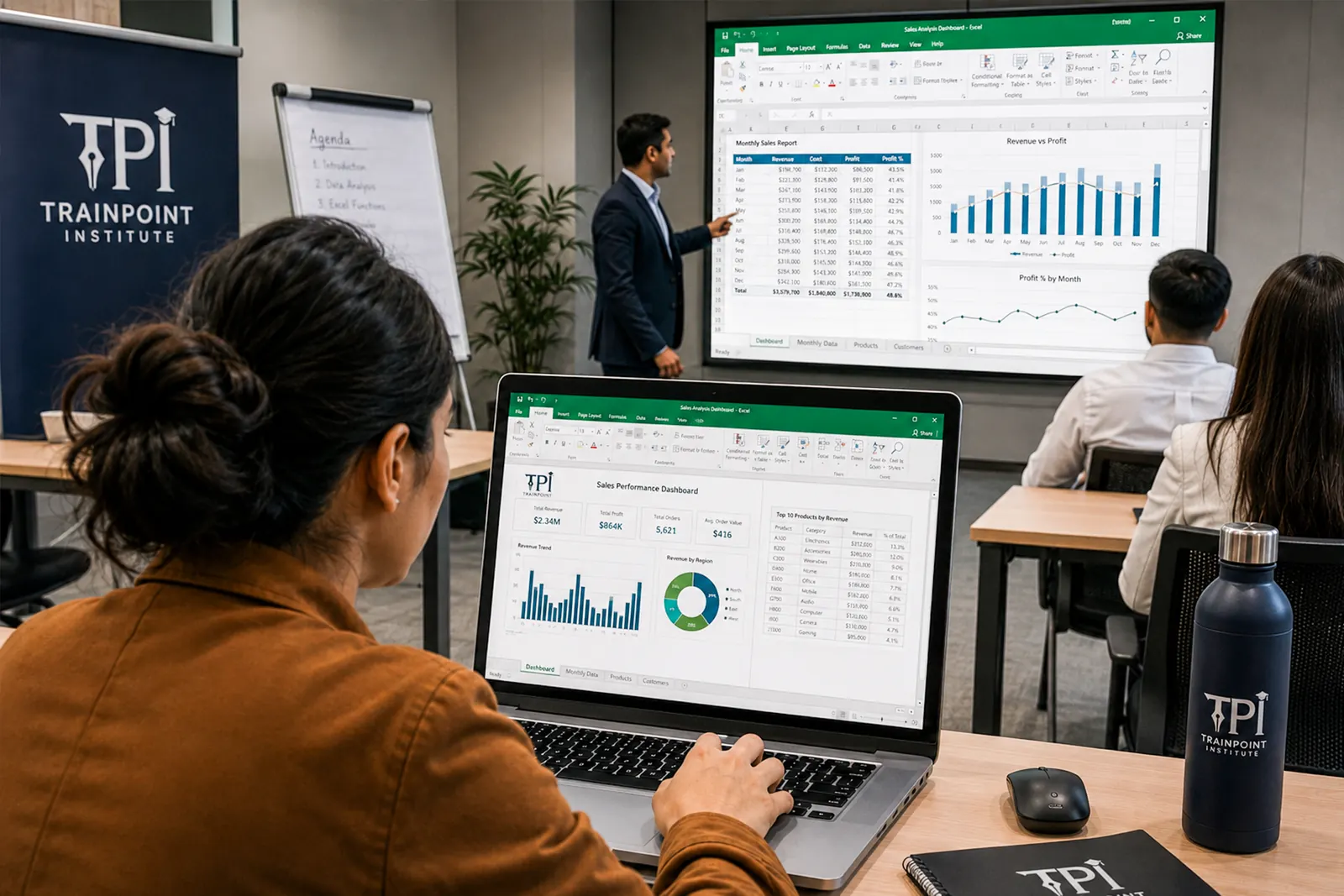
Master Excel like a pro with this intensive, hands-on workshop designed for professionals who want to streamline reporting, analysis, and automation. Led by a Microsoft Certified Excel Expert, this training upgrades your skills to handle data confidently and efficiently.
Highlights
- Delivered by a Microsoft Certified Trainer – Globally Recognized Expertise
- 2-Day Practical Workshop – Dashboards, Formulas, Automation & More
- Designed for Working Professionals – Admin, Sales, Finance & Ops Teams
- Hands-On, Case-Based Format – Real-World Business Application
Course overview
This intensive, hands-on training is designed for professionals who already use Excel but want to elevate their skills to an advanced level. Delivered by a Microsoft Certified Trainer, the course focuses on real-world business scenarios and automation techniques, enabling participants to work smarter, faster, and with greater confidence.
Course details
- location
- Dubai / Online
- duration
- 2 day
- language
- English
- courseLevel
- Advanced
- certification
- Upon successful completion of the course.
- courseType
- Class Room
- customizedCorporateTraining
- Offer tailored sessions with pricing based on specific requirements.
- corporateGroupRates
- Corporate Group Rates Available
- publicBatch
- Public Batch Schedule & Fees Available
Why Advanced Excel Skills Matter for Teams
- Build interactive dashboards and reports
- Automate calculations and data clean-ups
- Handle large data efficiently
- Support business decisions with accurate data models
Who should enroll
- Already use Excel but want to deepen their skills
- Create regular reports and dashboards
- Need to clean and combine data from various sources
- Want to automate repetitive Excel tasks
Best suited for Sales, Finance, Admin, and Operations professionals who manage high-volume data and reporting tasks.
Training Structure
The course is split across two days and is highly practical:
Day 1 — Advanced Excel Formulas & Data Handling
Advanced Excel Formulas & Data Handling
- Nested Formulas: Combine IF, AND, OR, IFS for multiple conditions
- Data Validation: Create dropdowns, restrict input values, and prevent errors
- Named Ranges: Clean, structured formulas using defined data blocks
- Advanced Conditional Formatting: Apply logic-based formatting for live reporting
- Error Handling: Use IFERROR and other tools to manage formula risks
- Power Functions: MAXIFS, MINIFS, TEXT functions, CONCAT, etc.
- Multi-Sheet Formulas: Work across multiple tabs/files with ease
- Hands-On Practice: Apply learning with guided practice tasks
Day 2 — Dashboards, Pivot Charts, Automation
Dashboards, Pivot Charts, Automation
- Excel Dashboards: Combine charts, PivotTables, slicers, & formatting
- Advanced Pivot Tables: Calculated fields, grouping, custom formatting
- Interactive Reports: Use slicers & timeline filters
- Basic Macros: Record & run Macros for repetitive tasks
- Introduction to Power Query: Combine, clean & reshape data
- Intro to VBA (Visual Basic for Applications): Understand how automation works in Excel
- Capstone Project: Build a mini dashboard with automation elements
Meet your trainers
Shakeel Ahmed
Dhanwanti Moolchandani
Microsoft Certified Data Analytics and Business Intelligence Specialist
Why study with Train Point
We redefine Training by focusing on practical skills and real-world relevance. Here’s why we stand out as your ideal partner in professional development:
Industry Expertise
Learn from seasoned professionals who bring real-world insights, equipping you with the knowledge needed to thrive.
Tailored Courses
We offer specialized training designed for both beginners and experienced professionals, addressing diverse career goals.
Certifications
Participants will receive a prestigious certificate upon completion.
Certificate of Completion
Attendance certificates are attested by KHDA. Recognized across the UAE for professional development.