

AI Productivity with Microsoft Copilot Training
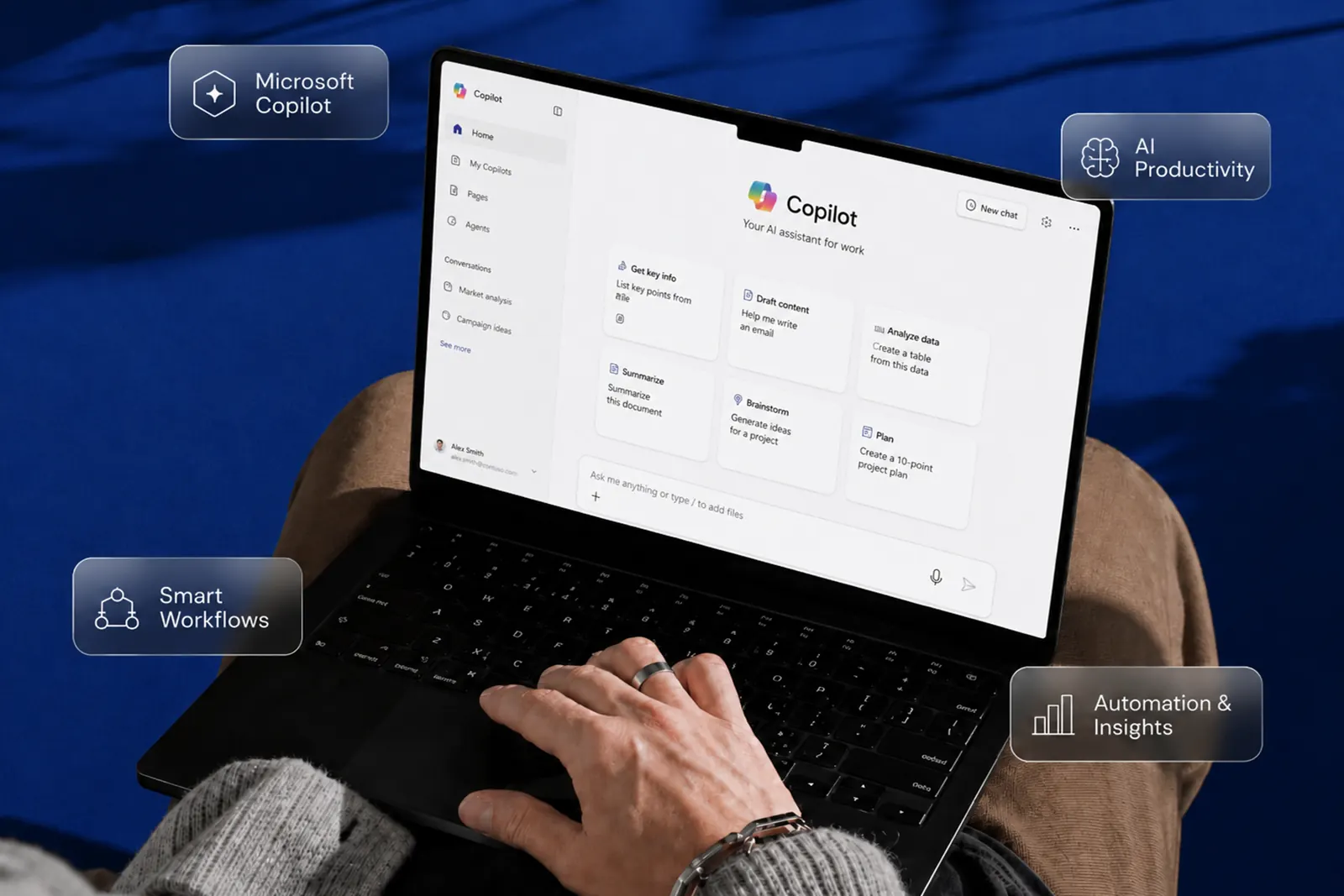
A practical, high-impact Microsoft Copilot training program designed to help professionals use Microsoft Copilot to automate tasks, improve productivity, and work smarter across Excel, Word, Outlook, and PowerPoint.
Highlights
- Instructor-Led | Classroom / Online
- Designed for Working Professionals & Teams
- Practical AI Use Cases in Daily Work
- Immediate Productivity Gains with Microsoft 365
Course Overview
The AI Productivity with Microsoft Copilot Training is designed to help professionals leverage AI within Microsoft 365 tools to improve efficiency and automate everyday tasks.
This Microsoft Copilot training course focuses on real-world applications, including automating reports, drafting emails, analyzing data, and creating presentations, using structured AI prompting.
Participants will learn how to integrate AI into their daily workflow to save time, improve accuracy, and enhance productivity across functions.
Course details
- location
- Dubai
- duration
- 1 Day (6–8 Hours)
- language
- English
- courseLevel
- Beginner to Intermediate Level
- certification
- Upon successful completion of the course.
- courseType
- Classroom / Online
- corporateGroupRates
- Corporate Group Rates Available
- publicBatch
- Public Batch Schedule & Fees Available
Why This Training Matters
AI is transforming how work gets done, and professionals who adopt it early gain a significant advantage.
- Automate repetitive tasks using AI
- Improve efficiency in Excel, Word, Outlook, and PowerPoint
- Save time on reporting, emails, and presentations
- Use structured prompts to get better AI results
- Enhance productivity without technical expertise
Who should enroll
- Corporate professionals using Microsoft 365
- Business teams and department heads
- Administrative and operations staff
- Finance, HR, and reporting professionals
- Anyone looking to improve workplace productivity
No technical background is required.
What you will learn
- Introduction to AI and Microsoft Copilot
- Using AI in Excel for data analysis
- Automating documents in Word
- Email drafting and management in Outlook
- Creating presentations using AI
- Structured prompting techniques
- AI workflows for daily productivity
- Best practices for effective AI usage
Training Structure — 3 Modules
Module 1: AI & Copilot Fundamentals
- Understanding AI in the workplace
- Introduction to Microsoft Copilot
- Practical use cases
Module 2: Productivity with Copilot Tools
- Excel automation and data insights
- Word document creation
- Outlook email management
- PowerPoint generation
Module 3: Prompting & Workflow Optimization
- Structured prompting techniques
- Automating repetitive tasks
- Real-life business scenarios
- Practical exercises
Meet your trainer
Dhanwanti Moolchandani
Microsoft Certified Data Analytics and Business Intelligence Specialist
Why study with Train Point
We redefine Training by focusing on practical skills and real-world relevance. Here’s why we stand out as your ideal partner in professional development:
Hands-On Learning
Our courses blend theory with practical application, ensuring you gain skills you can use immediately.
Industry Expertise
Learn from seasoned professionals who bring real-world insights, equipping you with the knowledge needed to thrive.
Tailored Courses
We offer specialized training designed for both beginners and experienced professionals, addressing diverse career goals.
Commitment to Success
We are dedicated to your growth, providing ongoing support and resources to help you achieve your professional aspirations.
Certifications
Participants will receive a prestigious certificate upon completion.
TrainPoint Certificate
A testament to your skills and dedication.