

Claude AI for Business Professionals Training
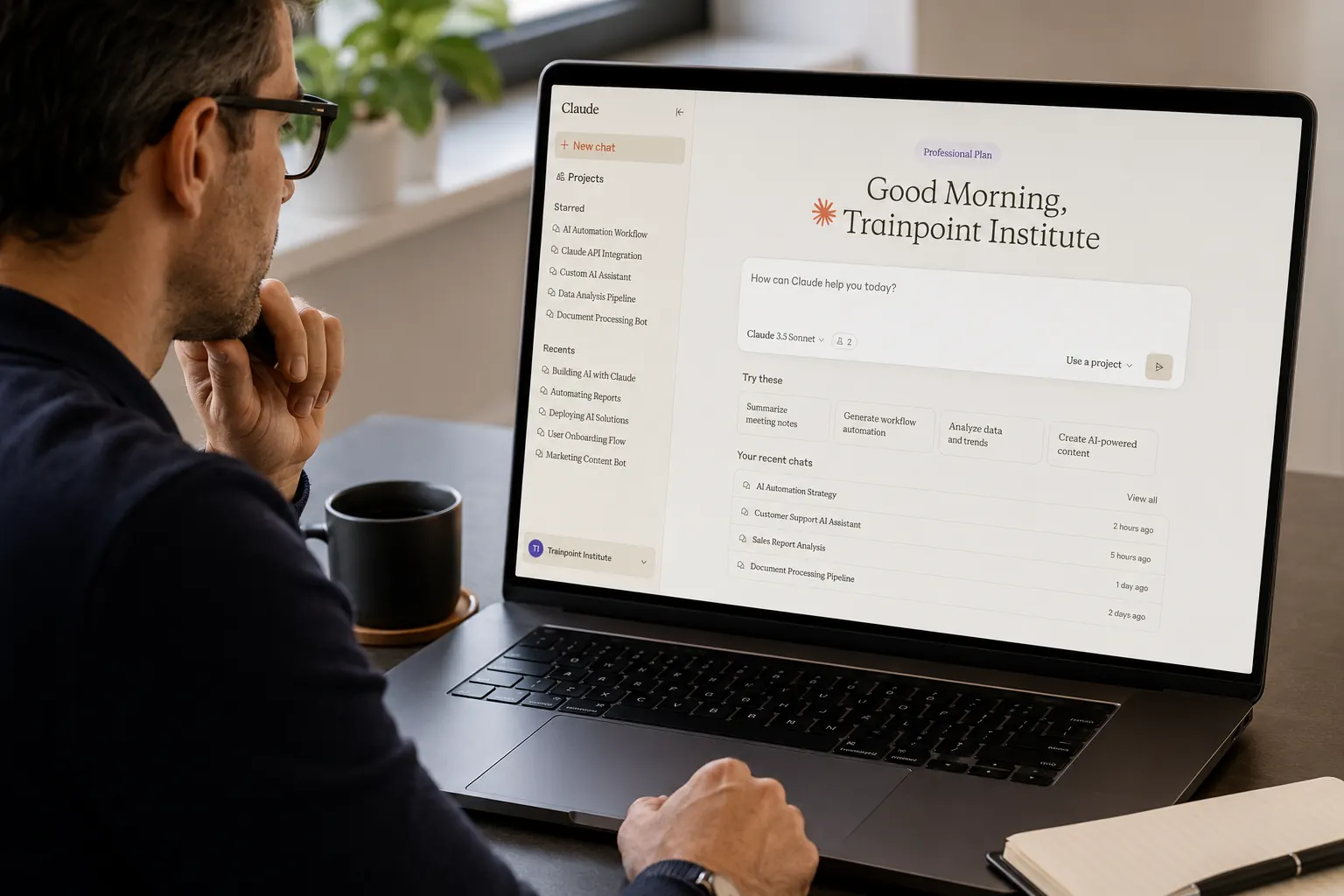
A practical, two-day training course designed to help professionals use Claude AI for everyday workplace communication, document analysis, data insights, research, reporting and business productivity.
Course Overview
The Claude AI for Business Professionals Training is a practical, hands-on course designed to help professionals use Claude confidently and effectively in their daily work.
Participants will learn how to write effective prompts, analyze documents and spreadsheets, prepare reports, draft professional communications, conduct structured research and organize recurring work using Claude’s workplace productivity features.
The training combines trainer demonstrations, guided activities, and realistic business exercises. Participants will apply Claude across functions including human resources, sales, marketing, finance, administration, customer service, project management, and operations.
The course also covers responsible AI use, data privacy, accuracy checking, and the importance of human review before using AI-generated information in the workplace.
Course details
- location
- Dubai / Client Premises / Online
- duration
- 2 Days – 14 Training Hours
- language
- English
- courseLevel
- Beginner to Intermediate Level
- certification
- TPI Certificate of Completion
- courseType
- Classroom / Corporate Onsite / Live Online
- corporateGroupRates
- Corporate Group Rates Available
- publicBatch
- Public Batch Schedule & Fees Available
Why This Training Matters
Claude AI can help professionals complete routine business tasks faster, improve the quality of workplace communication, and analyze large amounts of information more efficiently.
- Reduce time spent drafting emails, reports, and documents
- Improve the quality and consistency of business communication
- Analyze long documents and extract important information
- Work with spreadsheets and business data using natural-language instructions
- Create reusable prompts and structured workplace workflows
- Organize recurring work using Projects and Artifacts
- Conduct more structured business research
- Recognize inaccurate or incomplete AI-generated information
- Protect confidential organizational and client information
- Apply human review before using AI-generated outputs
Who should enroll
- Managers and department heads
- Business analysts
- HR professionals
- Sales and marketing professionals
- Finance and administration teams
- Project managers and coordinators
- Executive assistants
- Customer service and support teams
- Operations professionals
- Entrepreneurs and business owners
- Professionals responsible for documents, reports, research, or communication
- Teams considering the introduction of Claude within their organization
No previous AI knowledge, programming experience or technical background is required. Technical requirement: a laptop with internet access and a Claude account.
What you will learn
- Understand what Claude AI is and how it supports workplace productivity
- Select the appropriate Claude model and plan for different tasks
- Write clear and effective prompts for business requirements
- Improve AI-generated outputs through structured follow-up instructions
- Use Projects and Artifacts to organise recurring work
- Upload, analyse and compare documents
- Extract key information, obligations and action points from files
- Analyze spreadsheets and generate management insights
- Prepare business reports, summaries and visual content
- Use Claude for research and web-based workflows
- Apply Claude across different business functions
- Build reusable prompt templates and workplace workflows
- Protect sensitive and confidential information
- Verify AI-generated information before use
- Develop a personalised Claude workflow for daily work
Training Structure (2 Days – 14 Training Hours) — 8 Modules
Day 1 — Claude Foundations and Workplace Productivity
Module 1: Introduction to Claude AI and Generative AI
- Duration: 1 Hour
- What generative AI is and how it works
- Understanding large language models in simple business terms
- Introduction to Claude and Anthropic
- Claude’s approach to safety and responsible AI
- Common workplace applications of Claude
- Strengths and limitations of AI assistants
- Understanding inaccurate or fabricated AI responses
- Claude compared with ChatGPT, Microsoft Copilot, and Gemini
- Identifying tasks where Claude can provide the most value
- Understanding when human judgment remains necessary
- Live Demonstration: The trainer compares a general instruction with a properly structured prompt to demonstrate the difference in quality, clarity, and relevance.
Module 2: Choosing the Right Claude Model, Plan and Interface
- Duration: 1 Hour 15 Minutes
- Understanding Claude’s model family
- Differences between fast and advanced reasoning models
- Choosing the appropriate model for different business tasks
- Understanding context windows and long-document handling
- When deeper reasoning may be required
- Claude Free, Pro, Team and Enterprise plans
- Understanding differences in access and usage
- Claude web, desktop and mobile applications
- Navigating the Claude interface
- Managing conversations and account settings
- Understanding feature availability across different plans
- Practical Activity: Participants select suitable Claude options for tasks such as drafting a short email, analysing a detailed report, reviewing a contract, preparing a management presentation and summarising a large document.
Module 3: Prompt Engineering for Business Professionals
- Duration: 2 Hours
- Understanding why AI prompts produce weak or generic results
- Providing sufficient context and background
- Defining a clear objective
- Specifying the required tone and audience
- Requesting a particular response structure
- Adding examples and reference material
- Setting boundaries and constraints
- Breaking complex tasks into smaller steps
- Improving outputs through follow-up prompts
- Asking Claude to review and critique its own output
- Prompting for brainstorming compared with task execution
- Developing reusable prompt templates
- Practical Prompt Structure: Participants learn to include Task (what Claude needs to do), Context (background information), Audience (who will use or read the output), Tone (formal, friendly, concise or persuasive), Format (email, report, table, checklist or presentation) and Constraints (word count, policies, deadlines or exclusions).
- Practical Activities: Participants create and improve prompts for client emails, internal reports, meeting summaries, business proposals, presentations, research briefs, policy drafts and management updates.
Module 4: Projects, Artifacts and Reusable Workflows
- Duration: 2 Hours 45 Minutes
- Creating Projects for recurring workplace tasks
- Adding custom instructions to a Project
- Uploading knowledge files and reference documents
- Maintaining consistent outputs across repeated tasks
- Creating shared workplace or departmental Projects
- Using Artifacts to develop standalone content
- Preparing documents, tables, diagrams and interactive outputs
- Editing and refining Artifacts
- Organising conversations and recurring work
- Applying personalised response preferences
- Creating consistent brand tone and writing style
- Sharing suitable Projects and outputs with colleagues
- Developing reusable templates for workplace requirements
- Practical Exercise: Participants create a Project for a recurring business requirement — such as weekly management reports, client communication, meeting notes and action items, HR documentation, sales proposals, marketing content or project-status reporting — adding instructions and reference material and creating at least one reusable Artifact.
Day 2 — Documents, Data, Workflows and Responsible Use
Module 5: Working with Documents, Files and Business Data
- Duration: 2 Hours
- Uploading Word, PDF, PowerPoint, text and spreadsheet files
- Summarising long reports and documents
- Extracting key obligations, risks and action points
- Comparing different versions of a document
- Identifying changes, missing information and inconsistencies
- Generating follow-up communications from uploaded material
- Analysing Excel and CSV files
- Asking natural-language questions about business data
- Creating summary tables and trend commentary
- Identifying patterns and unusual results
- Preparing narrative insights for management
- Producing charts and visual Artifacts
- Validating AI-generated calculations and analysis
- Protecting confidential information when uploading files
- Practical Exercise: Participants use a sample document or dataset to summarise the information, extract important findings, identify risks or action points, prepare a management-ready summary and draft a follow-up communication.
Module 6: Claude for Workplace Productivity and Business Functions
- Duration: 1 Hour 45 Minutes
- Communication: professional emails, internal announcements, client responses, meeting agendas and minutes, and management updates
- Presentations: slide content, speaker notes, executive summaries and presentation improvement
- Human Resources: job descriptions, interview questions, onboarding materials, employee communication and policy drafts
- Sales and Marketing: sales outreach, campaign briefs, client proposals, competitor comparisons and social-media content
- Customer Service: response drafting, FAQ development, tone improvement and complaint-response support
- Project Management: status reports, risk summaries, action-item tracking, project updates and stakeholder communication
- Practical Activity: Participants select one task relevant to their role and complete a realistic workplace deliverable using Claude.
Module 7: Claude Connectors, Research and No-Code Workflows
- Duration: 1 Hour 30 Minutes
- Using Claude to support structured research
- Reviewing and summarising web-based information
- Combining information from different sources
- Creating comparison tables and research briefings
- Introduction to Claude-supported browser workflows
- Understanding no-code connectors
- Introduction to the Model Context Protocol in business language
- Connecting Claude with approved workplace tools
- Possible connections with email, calendars, files and collaboration platforms
- Searching organisational information through approved connectors
- Drafting messages and summaries from connected information
- Maintaining safe and limited access permissions
- Understanding when administrator approval is required
- Keeping a human involved before completing sensitive actions
- Example Workflows: summarising important team discussions; finding information from approved company files; drafting responses to selected emails; creating a weekly project digest; preparing an upcoming meeting summary; and researching competitors and creating a comparison report.
- Practical Exercise: Participants complete either a live approved connector activity or a trainer-led simulated workflow.
- Note: Feature availability may depend on the participant’s Claude plan, organisational access and administrator approval.
Module 8: Responsible AI Use and Capstone Workshop
- Duration: 1 Hour 45 Minutes
- Information that should not be shared with public AI tools
- Confidential and sensitive organisational information
- Personal and client data
- Recognising inaccurate AI-generated information
- Fact-checking and verification techniques
- Risks of over-relying on AI
- Bias and inappropriate content
- Transparency when using AI-assisted work
- Understanding organisational AI policies
- Applying human review and approval
- Developing internal AI usage guidelines
- Identifying suitable and unsuitable AI tasks
- Responsible Use Checklist: Before using Claude-generated content, participants should confirm — Is the information accurate? Has it been checked against a reliable source? Is confidential information protected? Is the language appropriate? Is the output free from unsupported assumptions? Is it suitable for the intended audience? Does it require management, legal or compliance review? Has an authorised person approved the final output?
- Capstone Workshop: Participants develop a personalised Claude workflow for three to five recurring workplace tasks. The capstone may include a structured Project, reusable prompt templates, a reporting workflow, a document-analysis process, a research workflow, a communication template library or a connector-based workflow, where available. Participants present their workflow and receive feedback from the trainer and peers.
Meet your trainer
Dhanwanti Moolchandani
Microsoft Certified Data Analytics and Business Intelligence Specialist