

Microsoft Excel Training Bundle for Individuals and Corporate Teams – 10 Courses - Train Point Institute
Courses icon Courses
WhatsApp icon Let's Talk
Courses icon Courses

Master Microsoft Excel: Beginner to Expert – All-in-One Course

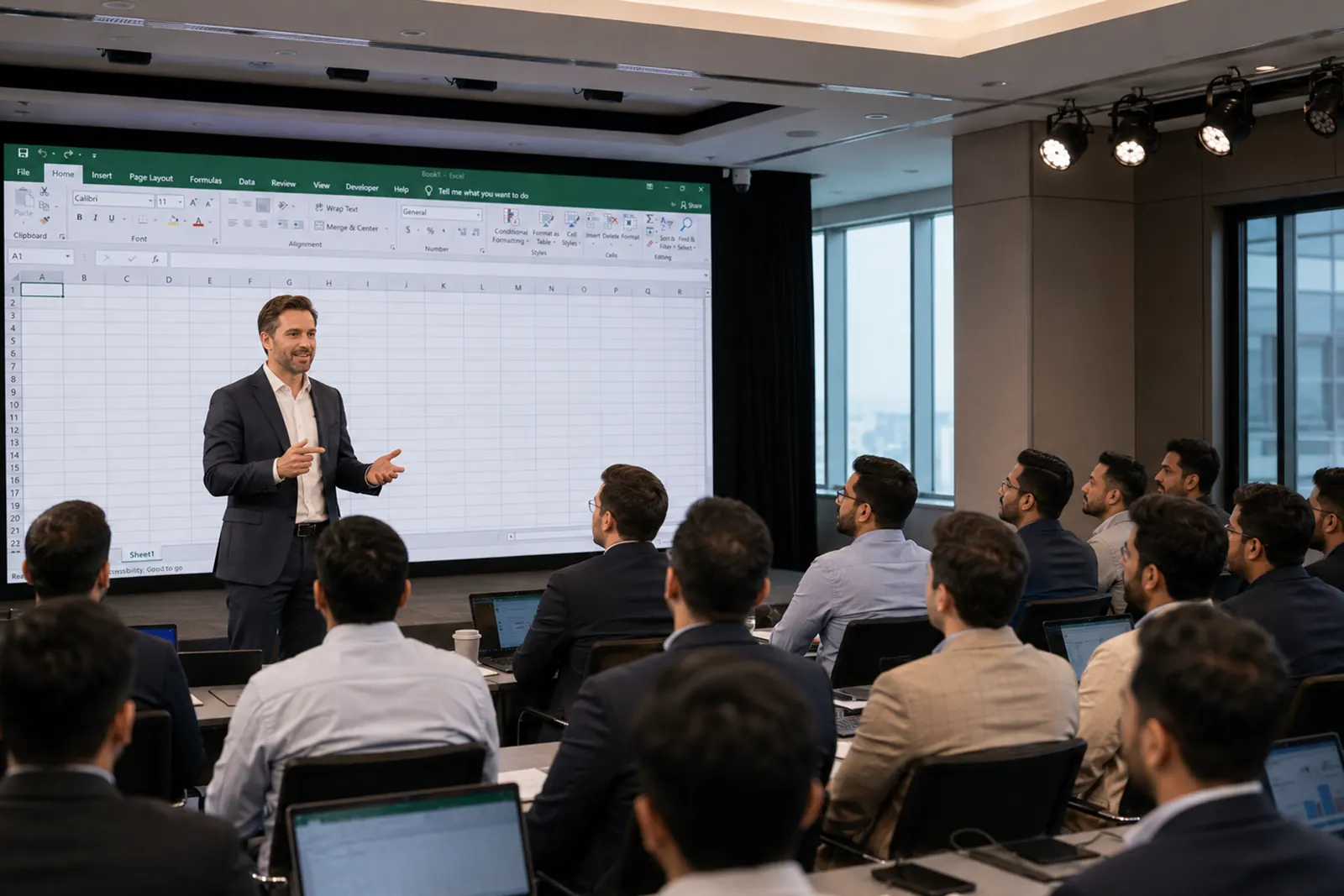
Designed for individuals and corporate teams, the program builds foundational skills and progresses to real-world applications. It helps participants become confident, high-performing Excel power users.

Get the full potential of Microsoft Excel with this comprehensive course that guides you from beginner to advanced proficiency, including expert tools like Macros and VBA. Suitable for all versions of Microsoft Excel from 2007 through 2025, this program combines four in-depth courses into a single learning experience, equipping you with practical, job-ready Excel skills.

Corporate Training

Corporate Training Enquiry

Individual Training

Individual Training Enquiry

What You'll Learn

  • You’ll learn to analyze data and make dynamic reports using PivotTables.
  • How to visualize insights by making professional charts
  • Using key formulas like IF, VLOOKUP, HLOOKUP, SUMIF, and COUNTIF
  • Organize extensive data. Manage duplicates and references.
  • Build dynamic dashboards using PivotTables and slicers
  • Get started with automating tasks using Macros and Power Query basics
  • Apply advanced logic by working with nested functions
  • Manage large datasets by using validation and error handling tools
  • Explore the basics of Excel automation with VBA

MS Excel Courses Bundle List

MS Excel Basic

MS Excel Basic

MS Excel Intermediate

MS Excel Intermediate

MS Excel Expert (2 Days)

MS Excel Expert (2 Days)

MS Excel - Mastering Dashboard

MS Excel - Mastering Dashboard

Data Analysis and Visualization Using MS Excel

Data Analysis and Visualization Using MS Excel

MS Excel Mastery for Reporting and Efficiency

MS Excel Mastery for Reporting and Efficiency

MS Excel Operational Efficiency and Process Optimization

MS Excel Operational Efficiency and Process Optimization

MS Excel for Service Efficiency and Customer Analytics

MS Excel for Service Efficiency and Customer Analytics

MS Excel for Finance

MS Excel for Finance

MS Excel for Sales and Marketing

MS Excel for Sales and Marketing

Why study with Train Point Institute?

We redefine Training by focusing on practical skills and real-world relevance. Here’s why we stand out as your ideal partner in professional development:

Iyad Alodeh
Trainer

Iyad Alodeh

Senior AML/CFT Compliance Consultant

Iyad is a certified risk management specialist with over 5 years of experience in the UAE finance sector. Specializing in AML compliance, he has helped numerous organizations stay aligned with both local and international AML standards.

Core Competencies

  • AML/CFT Audits & Risk Advisory
  • KYC, CDD, and EDD Implementation
  • Transaction Monitoring and Risk Assessment
  • Financial Crime Investigations
  • Regulatory Compliance and Policy Development

Qualifications

  • Bachelor’s Degree in Finance & Banking
  • CAMS Certified (Certified Anti-Money Laundering Specialist)
  • Certified Risk Management Specialist in Targeted Financial Sanctions

Frequently Asked Questions

What is the MS Excel Bundle Course?
A 10-course program covering Excel from beginner to advanced, including analysis, dashboards, and automation.
Who should enroll in this course?
Individuals, professionals, and corporate teams looking to strengthen Excel skills.
Do I need prior Excel knowledge?
No. The course starts from the basics and progresses to advanced levels.
What will I learn in this Excel bundle?
Data analysis, formulas, charts, dashboards, automation, and VBA basics.
Does this course focus on hands-on, practical learning?
Yes. It focuses on real-world applications and business use cases.
Is it suitable for corporate training?
Yes. It is designed for both individual learners and corporate teams.
What topics are covered in the 10 courses?
Excel Basics, functions, formulas, dashboards, reporting, and analytics, which help the finance, sales, and operations teams.
Does the course cover Excel automation?
Yes. It includes Macros, Power Query basics, and VBA fundamentals.
Will this course help my career?
Yes. Advanced Excel skills improve productivity and job performance.
Can I manage large datasets with this course?
Yes. You will learn data validation, error handling, and efficient data management.
Will I be able to create dashboards?
Yes. You will build dynamic dashboards using PivotTables and slicers.
Call