

TrainPoint Institute News
Boosting Corporate Productivity with Microsoft Copilot
Microsoft Copilot Training in Dubai helps corporate teams improve productivity, automate tasks, and use Copilot effectively across Microsoft 365.
TrainPoint Institute · September 24, 2026 · 3 min read
Tags: Microsoft Copilot Training, Corporate Training

Boosting Corporate Productivity with Microsoft Copilot
AI is now a common part of office work, but that doesn't mean it is used properly; training in Microsoft Copilot in Dubai can make a real difference for professionals, employees, managers, and businesses that already use Microsoft 365 every day.
Microsoft Copilot is available in the programs people already know, such as Word, Excel, PowerPoint, Outlook, and Teams. Instead of learning a whole new system, users can use AI within the applications they already use to send emails, prepare reports, run meetings, work with spreadsheets, and create presentations.
For busy teams, this can save a great deal of time.
How Microsoft Copilot Helps with Everyday Work
One of Copilot’s biggest strengths is managing repetitive or time-consuming tasks.
In Microsoft Word, Copilot can help produce first drafts, summarise long documents, rewrite sections, or convert informal notes into a more organized report; this is especially helpful for employees who spend a lot of time preparing proposals, internal documents, client updates, or business reports.
In Outlook, Copilot can help you draft emails, summarise lengthy email threads, and highlight key issues. Instead of reading a long series of replies, you can quickly understand the conversation and respond.
Copilot can also help in Microsoft Teams. After a long meeting, employees might need to recall what was discussed, what decisions were reached, and who is responsible for the next step. With Copilot, they can summarize conversations and identify action points, making follow-up easier.
Using Copilot in Excel
People often become particularly interested in AI through Excel.
Copilot can assist you in understanding data, in suggesting formulas, in detecting patterns, in summarising tables, and in supporting the preparation of reports. For someone who deals with sales reports, budgets, customer data, or operational trackers, it can cut down on much of the manual work involved in analyzing spreadsheets.
Creating Presentations Faster
Preparing PowerPoint presentations can take hours, especially when information is spread across different documents. Copilot can convert ideas or existing content into a presentation structure, suggest slide content, and help rewrite text more clearly. Managers can use it to prepare meeting presentations, while marketing and sales teams can use it to create presentations for clients, campaigns, or internal reviews.
Good Prompts Make a Big Difference
People try Copilot, ask a very general question, and then conclude the tool is not useful.
The problem is usually the prompt.
A prompt like "write a report" gives Copilot little guidance. To get a better result, the prompt should specify the purpose, intended audience, tone, information sources, and desired format.
For example, asking Copilot to summarise a monthly sales report for senior management and highlight the three main changes from the previous month provides clearer context.
When people talk about Copilot, they often mention that specific, well-organized prompts lead to better results, whereas general instructions can produce unsatisfactory output.
Using the AI responsibly
AI can make mistakes.
Employees should still check influential figures, emails, reports, summaries, and recommendations before using them, and businesses must also consider confidentiality, company policies, access permissions, and the type of information being shared with AI tools.
Responsible use is especially important when employees oversee customer information, financial data, contracts, HR documents, or other confidential company material.
That is why direct training matters. While it helps employees learn when Copilot can assist, they also need to know when to check the output, when not to rely on it, and how to use AI responsibly.
Why Microsoft Copilot Training Matters for Organizations
Employees will be able to develop effective prompting techniques, assess various outputs, and gain an understanding of how Copilot can assist with everyday tasks in a range of Microsoft 365 applications such as Word, Excel, PowerPoint, Outlook, and Teams.
For organizations, a well-structured Microsoft Copilot training program helps ensure more consistent AI use across teams. Rather than employees trying out various methods on their own, a company training program can give everyone a shared understanding of effective practices, the right use cases, and the importance of adopting AI responsibly.
Customized Microsoft Copilot Corporate Training for DBB Contracting LLC

Recently, seven department heads, including DBB Contracting LLC CEO and CFO, attended Microsoft Copilot training with Train Point Institute. After the initial training, Train Point Institute will deliver a customized Microsoft Copilot training for the organization’s employees, tailored to each department's specific requirements and workflows.
The customized program will focus on practical applications of Microsoft Copilot across business functions, helping DBB Construction employees use the tool effectively to improve productivity, streamline routine tasks, and support day-to-day operations.
Planning to enroll yourself or your team? WhatsApp us 👉 https://wa.link/w25amr for fees and course details.
What Our Clients Say

Review 1:
“Excellent Microsoft Copilot corporate training. It was practical and showed how Copilot can improve productivity and streamline daily tasks.”Review 2:
“Great training on Microsoft Copilot. It provided a valuable introduction to using AI to work smarter, save time, and boost corporate productivity.”
FAQs
Q1. Can Microsoft Copilot be of use in everyday work?
Yes. It helps with emails, meeting summaries, reports, document reviews, brainstorming, and repetitive office tasks.
Q2. Do I need technical knowledge to use Microsoft Copilot?
No. You do not need coding skills. The training helps you write clear, effective prompts, which matters more.
Q3. How can Microsoft Copilot assist with Excel?
It helps analyze data, suggest formulas, identify trends, create reports, and simplify repetitive spreadsheet tasks. Always verify important calculations.
Q4. Why are good prompts important?
Clear prompts give Copilot better context and produce more relevant and accurate results.
Q5. Is it worth taking the Microsoft Copilot training for employees?
Yes. Training helps employees learn practical workflows, effective prompting, responsible AI use, and how to apply Copilot across Microsoft 365.
← All articles · Contact the team
Related articles
-
 TrainPoint Institute News
4 HR Professionals Chose CIPD Level 5 in September
Four professionals begin their CIPD journey: 3 choose People Management, and 1 chooses Organizational Learning & Development.
-
 TrainPoint Institute News
CIPD Level 3 vs Level 5: Which One Should You Choose?
Choosing between CIPD Level 3 and Level 5? Compare entry requirements, career goals, study depth, and membership outcomes to find the right HR qualification.
-
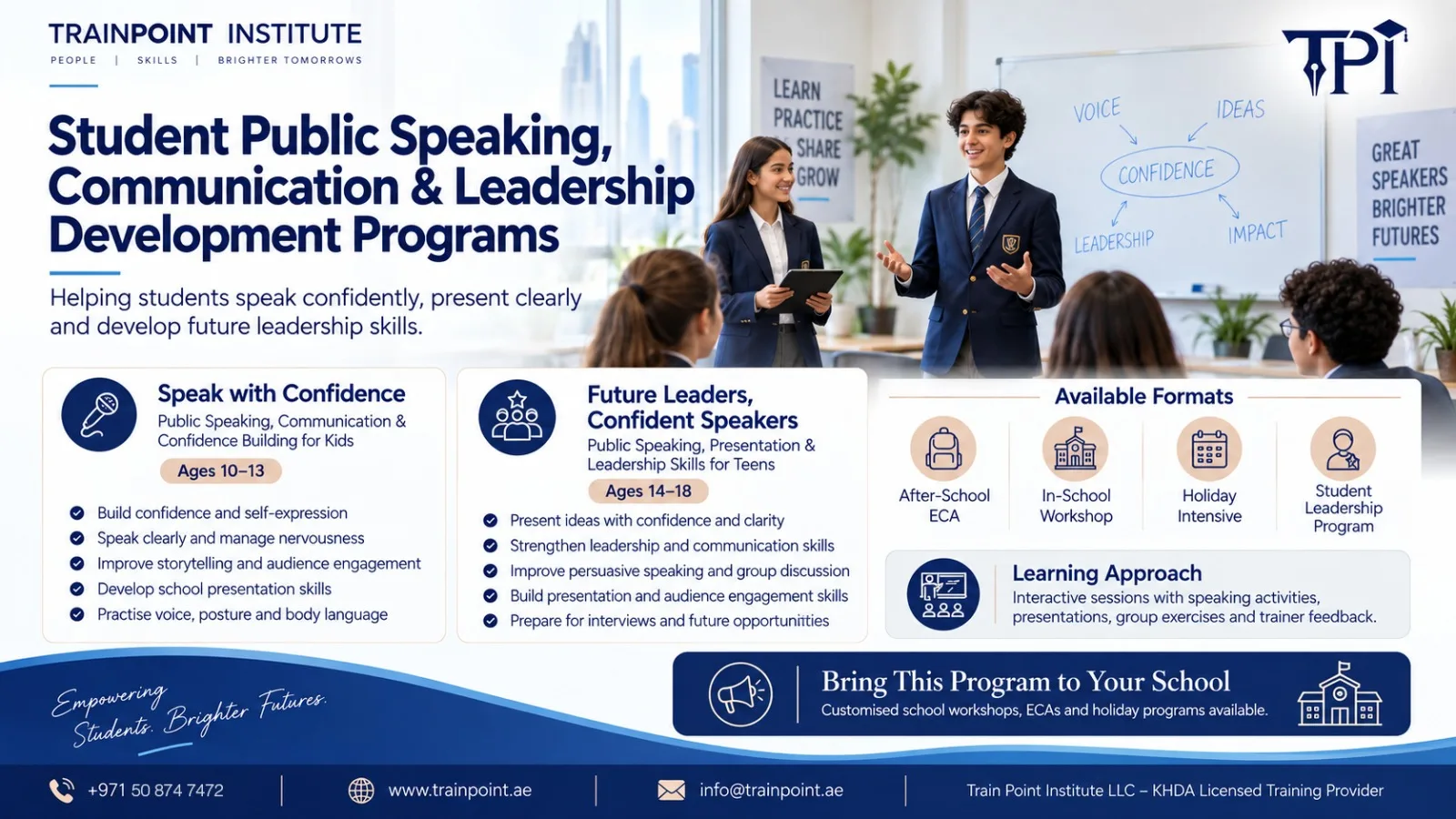 TrainPoint Institute News
Public Speaking Training for School Students | Speak with Confidence, Lead with Impact
Build confidence, communication and leadership skills with public speaking training for school students. Explore practical training options for young learners.